Warning


Close
Confirm Action

Are you sure you wish to do this?

Cancel Confirm
AR15.COM
3/1/2019 7:20:18 PM EDT


3/1/2019 7:35:56 PM EDT
[#1]
You can make submissions in your profile.

There is a shared image library tool where you can upload images and submit them to be added.
3/1/2019 7:44:44 PM EDT
[#2]
Quote History
Quoted:
You can make submissions in your profile.

There is a shared image library tool where you can upload images and submit them to be added.
View Quote


Didn't know about that feature...
3/1/2019 9:13:40 PM EDT
[#3]
Inserting an image into a post using the new function doesn't seem to be working anymore.  The other day I noticed it wasn't working on mobile but still worked on PC, but now neither work for me.  (Chrome)
3/1/2019 11:23:07 PM EDT
[#4]
Shift/Ctrl + Reload the page. Odds are it's just an old cached version.

3/1/2019 11:33:51 PM EDT
[#5]
3/2/2019 12:16:15 AM EDT
[#6]
Cleared cache.  No worky.

Samsung S8
Chromebook
PC

3/2/2019 2:20:20 PM EDT
[#7]
Quote History
Quoted:
Cleared cache.  No worky.

Samsung S8
Chromebook
PC

View Quote
OK pushed a small tweak to it. See if that works for you now.

3/2/2019 2:52:56 PM EDT
[#8]
No luck.
3/2/2019 2:57:47 PM EDT
[#9]
Make sure to empty your cache, or get a fresh page.
3/2/2019 4:12:42 PM EDT
[#10]
Not sure what to tell you. Three different devices and it stopped working on all of them.  First it was my phone, so I tried it on my PC but that worked. Now that doesn't work either.  Same with a Chromebook.

Cache was cleared AFAIK. I had to enter all my passwords again.  

I hit the images button, select the image, that page goes away, and I'm back to the post editor with no image applied.
3/3/2019 12:41:21 AM EDT
[#11]
Quote History
Quoted:
Not sure what to tell you. Three different devices and it stopped working on all of them.  First it was my phone, so I tried it on my PC but that worked. Now that doesn't work either.  Same with a Chromebook.

Cache was cleared AFAIK. I had to enter all my passwords again.  

I hit the images button, select the image, that page goes away, and I'm back to the post editor with no image applied.
View Quote
Ya I was able to replicate the issue and then get it fixed. It now works for me on Chrome, but I had to clear cache (not cookies or history!) and then it kicked in.
3/3/2019 1:15:44 AM EDT
[#12]
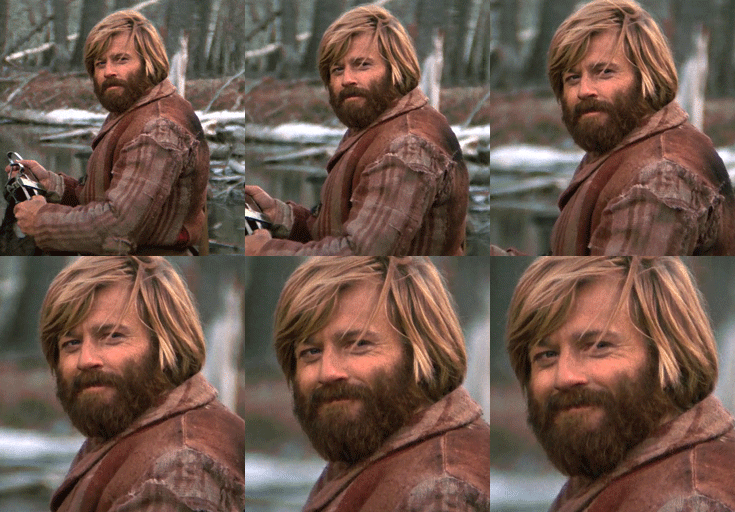
Cleared cache again and

Attached File


Thanks for the help!  

Sign up to continue the discussion

Create a free account to share your thoughts, follow topics, and connect with the AR15.COM community.

Already a member? Sign In