


[ARCHIVED THREAD] - FramePack - Generate AI videos from images using your computer's GPU (Now ComfyUI Megathread!) (Page 7 of 17)
|
Quoted: It takes about 30min to complete. It makes and saves one/two/three second mp4s, before the final four second one. I delete the first three, and convert the longest one. What will ComfyUI and Wan do differently than what I have? Quoted: Quoted: Nice! How long does it take to generate a video? We'll have to get you set up on ComfyUI so you can try Wan. It takes about 30min to complete. It makes and saves one/two/three second mp4s, before the final four second one. I delete the first three, and convert the longest one. What will ComfyUI and Wan do differently than what I have? Wan running in ComfyUI (I prefer SwarmUI) just produces a different result. It does better with some prompts and worse with others. You have to test it against FramePack. In the photoshop thread, WAN delivered a comedically superior video on the first try. FramePack:  WAN:  Also, ComfyUI and SwarmUI can que videos. If it takes 30 minutes to generate a video, you can que up 16 different images and/or prompts and they will be done in the morning. It also lets you input negative prompts, or things you don't want to see. By the way, if you are willing to tune your system in the bios, I can find some generic RAM overclocking settings that may speed up your video generation time. |
|
Quoted: That's what I keep telling people who suggest that I try to monetize it. Literally anyone who has access to a decent (for 2025) computer can do it. None of the software I use costs anything. AFAIK, however, all of the online providers censor heavily. Quoted: Quoted: There is no market as there is no barrier to entry beyond logging into a website. That's what I keep telling people who suggest that I try to monetize it. Literally anyone who has access to a decent (for 2025) computer can do it. None of the software I use costs anything. AFAIK, however, all of the online providers censor heavily. Well, I don't have a decent computer or internet at home. If it can't be done on a cell phone, I can't do it. 
|
|
Quoted: Just started with the FramePack linked in the OP. Can you load more than one image for it to use? For example, if I have a picture of a kayak on the river in one spot and then a second picture of what's the same area but the boat has moved a bit and now has a different angle, can I get it to use both images to create a more realistic 3d rendering of the boat? Or if you have a picture of the front of a person and the side or back, can you give it both for a more realistic effect? I’m not sure Framepack can do it, but other models allow for first frame and last frame (using images) to gain more control. There are other add-ons that allow some control, but they are generally focused of human movements. Otherwise, it’s just the prompt and the luck of the roll. ETA: For any sort of character consistency, you need to start with an image AI system like Midjourney and then use a video AI model with good facial fidelity. But even the best models suffer from facial degradation with every frame if the face is obstructed, moving, etc. Framepack is built on Hunyuan and has a strong tendency to drift to Asian facial features. |
|
Quoted: Also, ComfyUI and SwarmUI can que videos. If it takes 30 minutes to generate a video, you can que up 16 different images and/or prompts and they will be done in the morning. It also lets you input negative prompts, or things you don't want to see. By the way, if you are willing to tune your system in the bios, I can find some generic RAM overclocking settings that may speed up your video generation time. Looks like I'll just stick with FramePack. I would like the que aspect of those others, but not enough to try learning them. I don't even go into bios, because I don't understand it well enough. I'd probably brick my PC. I need to work more on understanding what various prompts do, to get the results that I want. |
| My PC says it won't handle Win11, but support for Win10 ends late this year. My son says that there's some setting we can try changing, to see if it'll work, but if not I'll have to get a new motherboard. Do you think that'll break Framepack, or should it keep working? |
|
Quoted: My PC says it won't handle Win11, but support for Win10 ends late this year. My son says that there's some setting we can try changing, to see if it'll work, but if not I'll have to get a new motherboard. Do you think that'll break Framepack, or should it keep working? You have 64gb ram which is more than enough for Windows 11. Your current motherboard should also handle a Ryzen 5000 series. I don’t see why it wouldn’t be compatible with Windows 11 as-is. Updating the bios on the motherboard wouldn’t be a bad idea. The Windows 11 update might break Framepack but you’ve installed it so many times that it should be muscle memory by now. |

|
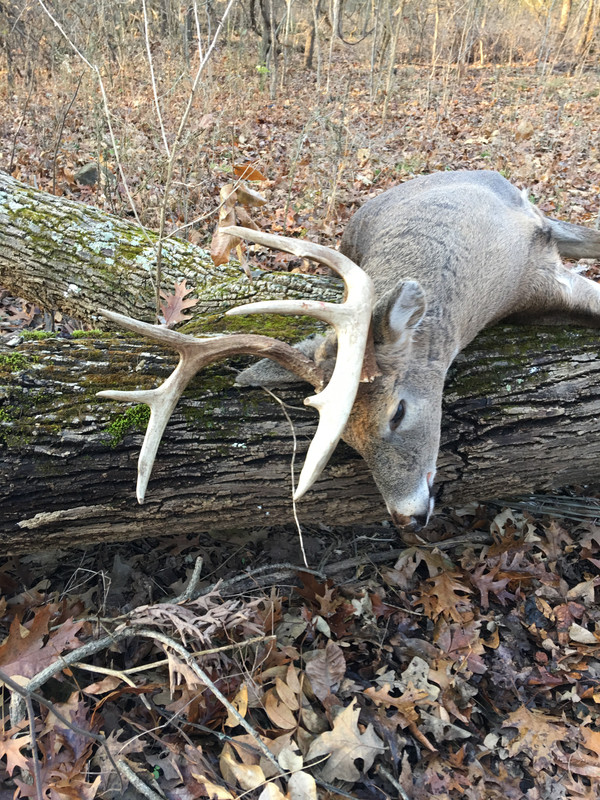
Quoted: For fun, here is an image. https://i.postimg.cc/5tSTmNty/37-BFB199-DC9-D-424-A-A130-F946-B0062665.jpg He's just sleeping 
|
|
Quoted: Just upgraded ram to 96gb, and SSD to a Samsung 9100 last night. Definitely an improvement in model loading times, and gens are no longer hanging-up when running out of ram. Nice. My motherboard won't recognize my 2nd GPU if I have more than 1 NVME installed. I'm running out of space with my 2TB 980 Pro. I want a 9100 but its $450. I should have gotten the 8TB WD Black NVME when it was on sale for under $400. I'm running 64GB at 6400cl26 and I'm waiting for the G.Skill 128gb 8000 EXPO kit. Does 96GB get you anything over 64GB? |
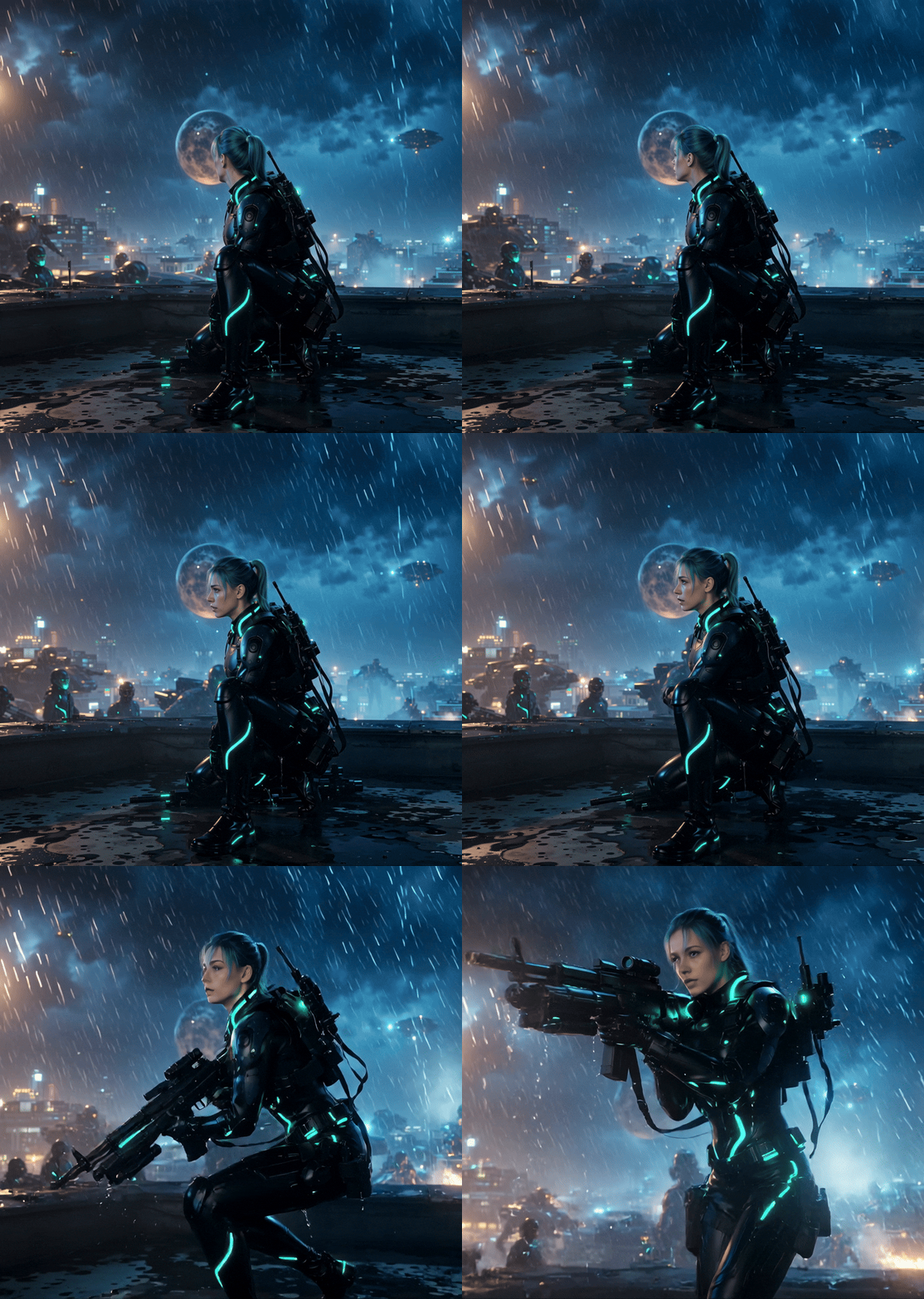 100% locally generated in about ten minutes or less Using this recently released model |
|
Quoted: Can anybody find the other RRBroccoli avatar stills, particularly the girl who looks disgusted? https://www.ar15.com/media/mediaFiles/563643/250507_191938_812_1230_28-3535624.gif https://www.ar15.com/media/mediaFiles/563643/250507_193732_833_3338_37-3535635.gif Looties pants are not getting wet. Roy |
|
Quoted: There is no market as there is no barrier to entry beyond logging into a website. Quoted: Quoted: Quoted: I wouldn’t charge and besides, there are probably rules around running a business on GD. Not even sure how you'd market to sell, but I can tell ya there's a market for what you're doing. I know AI is doing the heavy lift, but it takes your time and talent to pull all that together. There is no market as there is no barrier to entry beyond logging into a website. I was thinking more about those guys that have AI pictures of women who get simps to pay to see their IG or OF or whatever. |
|
Any hints on prompts? I'm trying to make one with my Firebird, with the prompt "The car drives down the road", and instead of the car moving it added a motorcycle going the other way. Right now I have it starting over, with the prompt "The car drives forward, going off the screen." Any different ideas, for getting specific results? This is the pic I'm using; 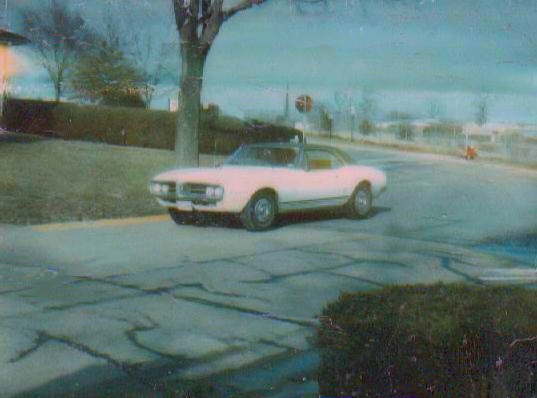 |
|
Quoted: I was thinking more about those guys that have AI pictures of women who get simps to pay to see their IG or OF or whatever. Quoted: Quoted: Quoted: Quoted: I wouldn’t charge and besides, there are probably rules around running a business on GD. Not even sure how you'd market to sell, but I can tell ya there's a market for what you're doing. I know AI is doing the heavy lift, but it takes your time and talent to pull all that together. There is no market as there is no barrier to entry beyond logging into a website. I was thinking more about those guys that have AI pictures of women who get simps to pay to see their IG or OF or whatever. In all of humanity, the highest of all motivators is sexual desire. 87% of those dudes already figured it out. With that said, all of the companies that might intersect with that segment of the market are quickly disassociating themselves. |
|
Quoted: Any hints on prompts? I'm trying to make one with my Firebird, with the prompt "The car drives down the road", and instead of the car moving it added a motorcycle going the other way. Right now I have it starting over, with the prompt "The car drives forward, going off the screen." Any different ideas, for getting specific results? This is the pic I'm using; https://i.postimg.cc/qqRMHVbX/67-Firebird-1.jpg This is a handy tool that seems to work good with models other than flux Prompt Generator Just paste a simple bare-bones prompt into the "generated prompt/input text" box, then mash the "generate prompt with llm" button. You can mostly ignore everything else in the link. |
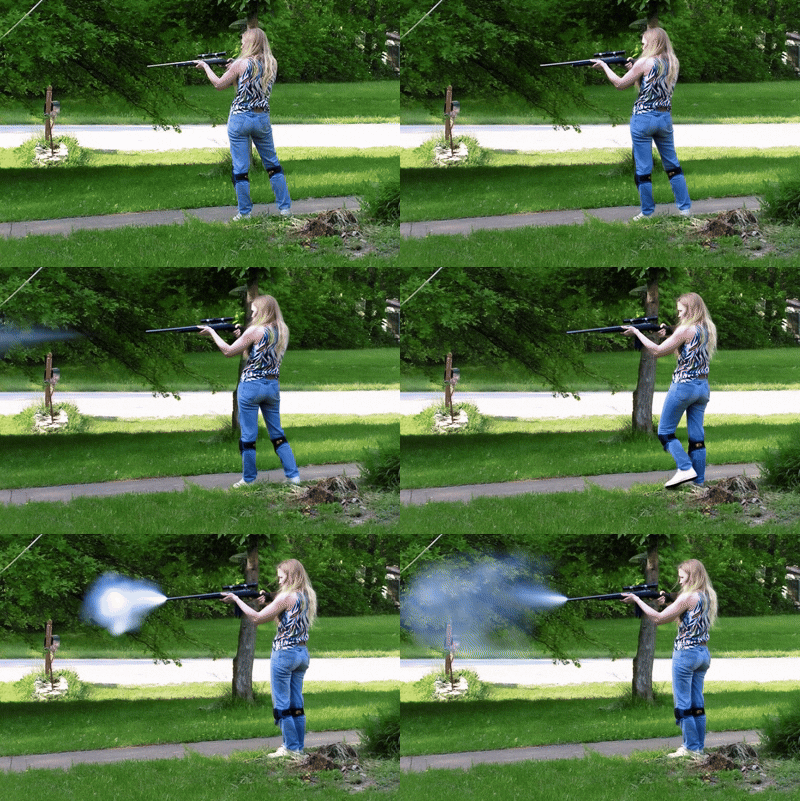
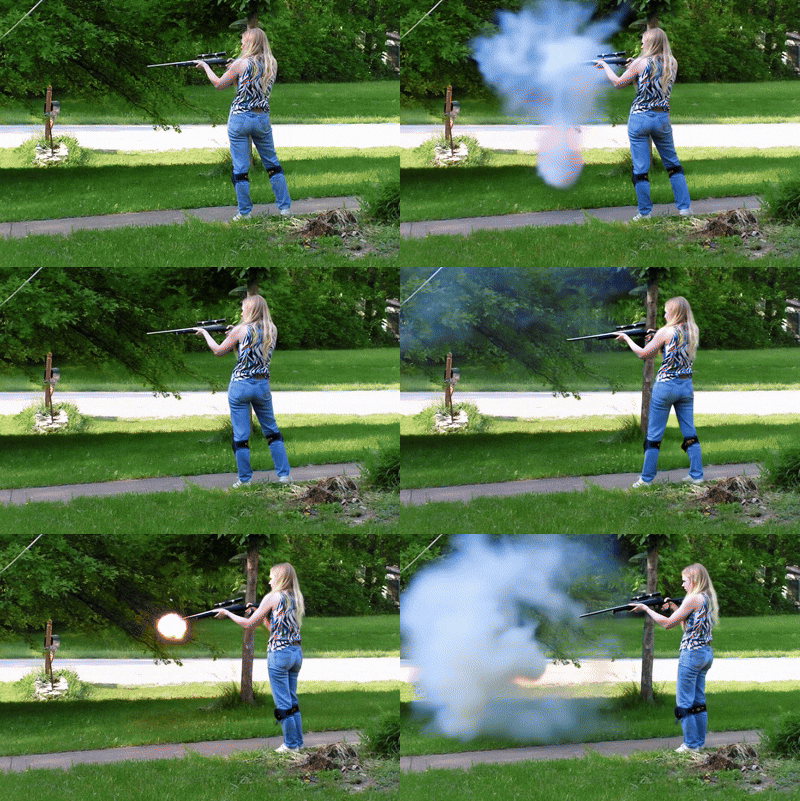
|
Quoted: This is a handy tool that seems to work good with models other than flux Prompt Generator Just past a simple bare-bones prompt into the "generated prompt/input text" box, then mash the "generate prompt with llm" button. You can mostly ignore everything else in the link. I'll try that. Thank you. |


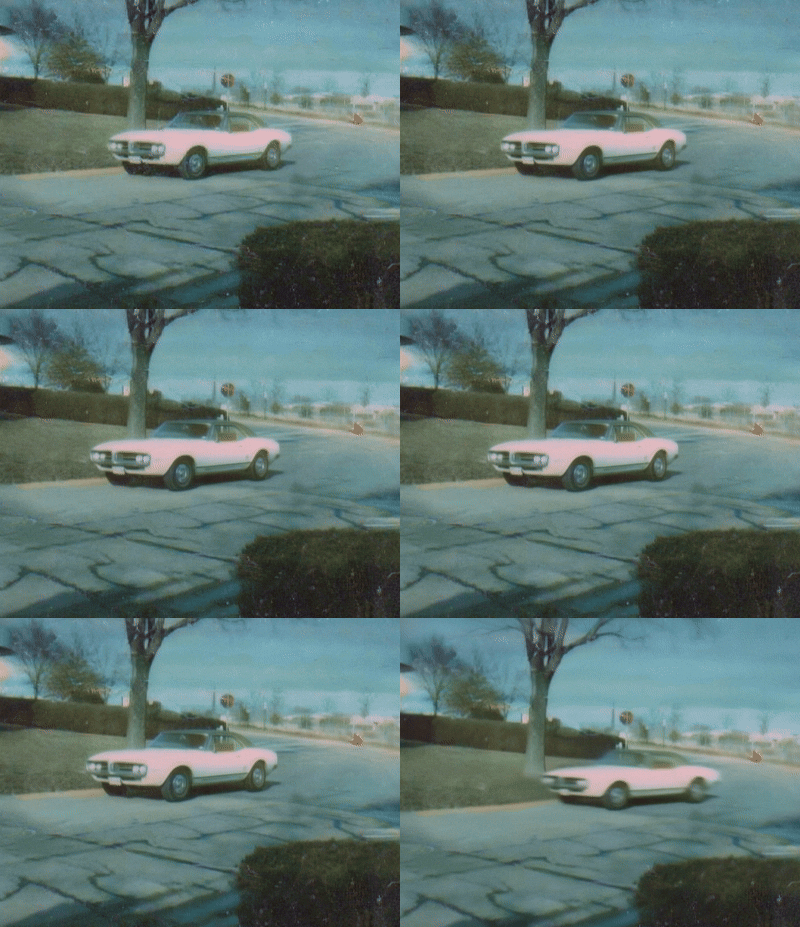
I used the Prompt Generator mentioned above (and tweaked it some), and got a much better result. Here's the prompt that I used; A 1967 Pontiac Firebird, its sleek, white body subdued in the afternoon twilight, does a burnout, then a wheelie, shot in a clear movie style, emphasizing the car's dynamic movement, with the camera positioned at bumper height, showing the car go quickly down the drag strip. |

|
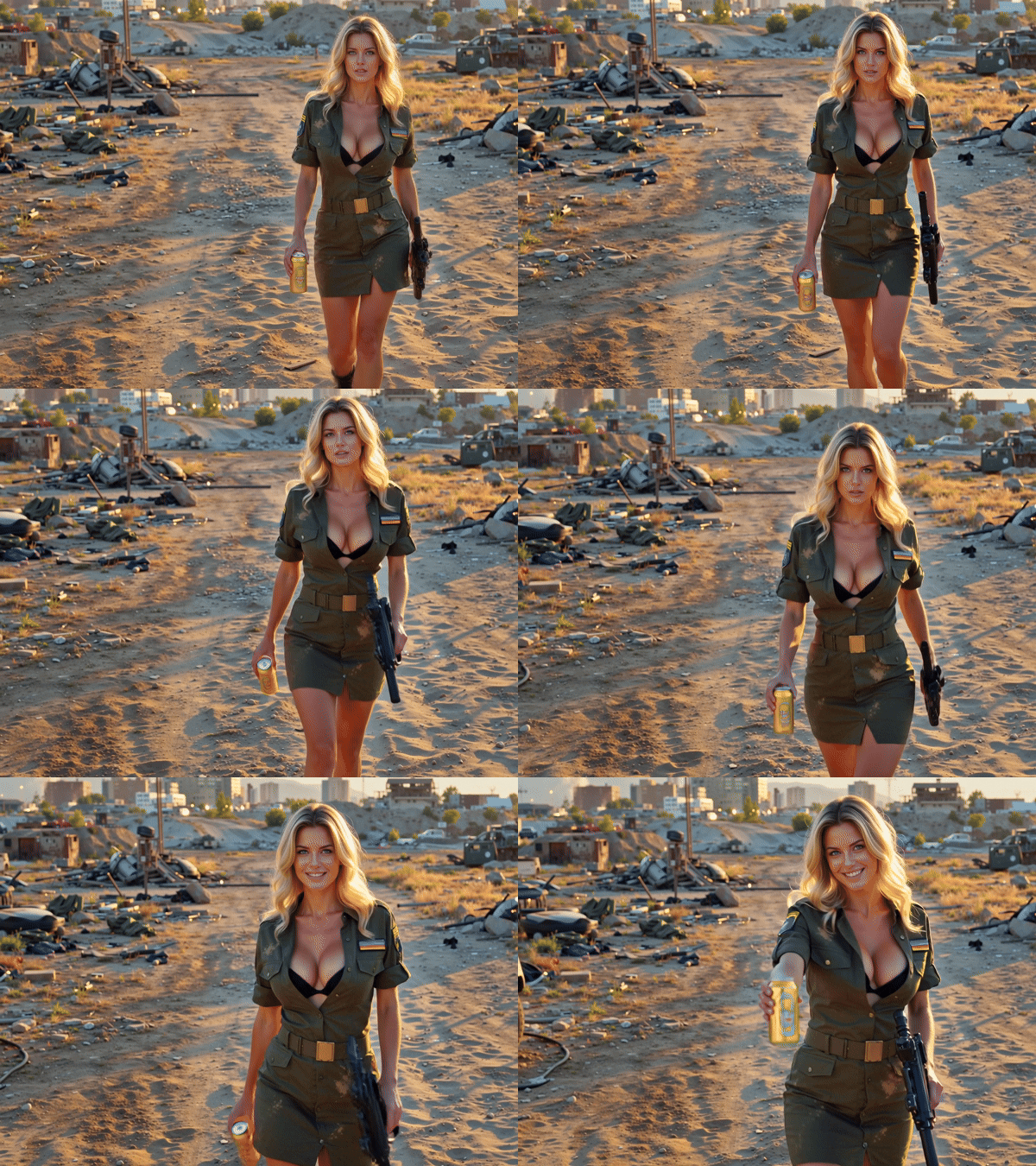
It looks like Youtube finally starts to cooperate when the video is at least a few seconds long. It finally uploaded in 1440k- This took 91 GB of ram, and 31 GB of vram to make today. Much of the ram demand was during frame interpolation; not the actual video generation. Used the vy recently released Wan2.1 FusionX 14 Billion parameter model. |

|
Quoted: It looks like Youtube finally starts to cooperate when the video is at least a few seconds long. It finally uploaded in 1440k-  https://www.youtube.com/watch?v=CQzfu0gq6s8 https://www.youtube.com/watch?v=CQzfu0gq6s8This took 91 GB of ram, and 31 GB of vram to make today. Much of the ram demand was during frame interpolation; not the actual video generation. Used the vy recently released Wan2.1 FusionX 14 Billion parameter model. Nice. Can you share your workflows? |
|
Quoted: I'll try to figure out how to do that. Trying to figure out how to navigate github makes my head spin. @GySgt_D Create a New Repository on GitHub: Go to your GitHub account and click on the plus (+) symbol in the upper-right corner of your account, then select "New repository". Enter a name for your new repository, such as "practice", and check the box to "Initialize this repo with a README" to simplify the next steps. You can also add a license, such as the MIT License, to match the code you plan to upload. Prepare Your Files: Ensure that your rendering files are ready to be uploaded. If you have a local project that is not yet tracked by Git, you will need to initialize it as a Git repository using the git init command. Add and Commit Your Files: Add all of the existing project’s files to the Git index and then commit them. This can be done using the git add . command to add all files, followed by git commit -m "Add existing project files prior to the push to GitHub." to commit the changes. Push Your Files to GitHub: After setting up the remote repository on GitHub, you need to push your local files to the remote repository. This is done using the git push command with the name of the current branch along with the -u and -f switches to force the push and set the upstream branch. Verify the Upload: Once the push is complete, log into the GitHub website and browse the repository to ensure that all of the files from your existing project are visible on GitHub. |
|
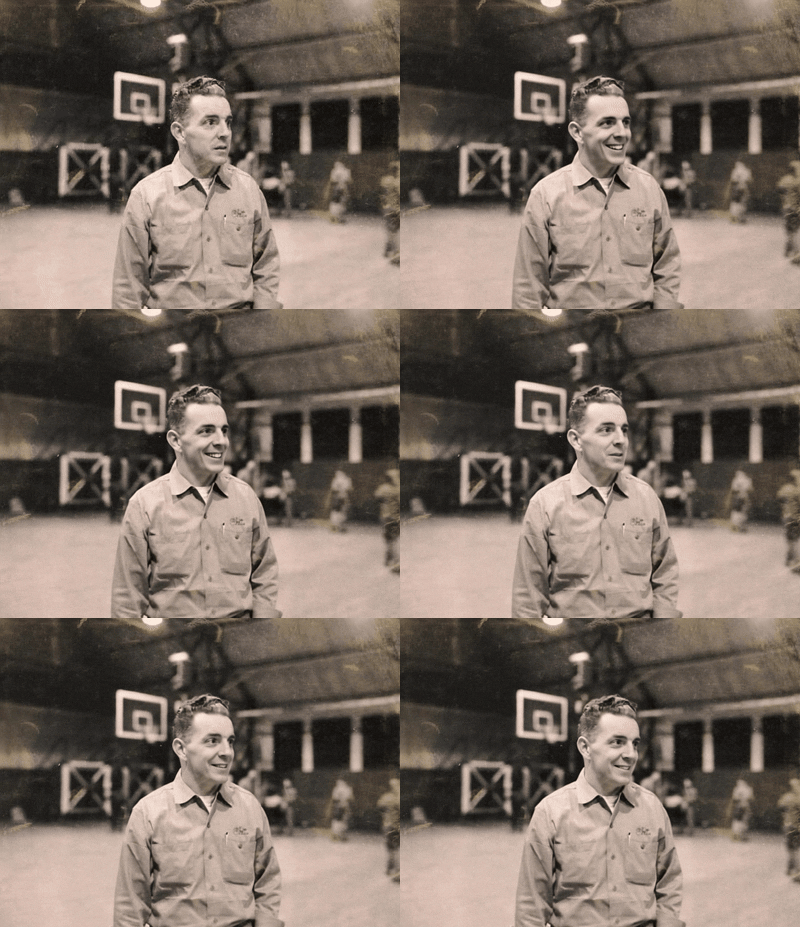
Is anyone able to bring this man back to life? Maybe just looking at the camera and smiling or something simple? Attached File |
|
Quoted: He's just sleeping https://www.ar15.com/media/mediaFiles/563643/ComfyUI_00004_-ezgif_com-optimize__1_-3558003.gif Quoted: Quoted: For fun, here is an image. https://i.postimg.cc/5tSTmNty/37-BFB199-DC9-D-424-A-A130-F946-B0062665.jpg He's just sleeping https://www.ar15.com/media/mediaFiles/563643/ComfyUI_00004_-ezgif_com-optimize__1_-3558003.gif That is terrifyingly freaky. |
 Gramps was both coach and player Text-to-video lets you be a little bit more creative-  Not Kansas  Wakanda (jk)  trekking to Mordor |

The software has gotten markedly better the past two weeks. This only took a few minutes to generate just now- Expecting ballistic missiles; received dragons |
|
Quoted: The software has gotten markedly better the past two weeks. This only took a few minutes to generate just now- https://www.youtube.com/watch?v=8J2L7pKtasgWhat did you use to generate that? |
 Welcome to Arfcom  Leading the goose to safety  Danish culture GD style  Welcome to Arfcom  Heading home |
|
If you are on windows and are not all too tech savy the easiest way to get these ai programs to work is to use Pinokio . Once you get it installed everything is one click install. They have FramePack, ComfyUI, Forge and other popular AI stuff. |


|
Quoted: If you are on windows and are not all too tech savy the easiest way to get these ai programs to work is to use Pinokio . Once you get it installed everything is one click install. They have FramePack, ComfyUI, Forge and other popular AI stuff. |
|
I might start adding audio. |

|
Quoted: If you are on windows and are not all too tech savy the easiest way to get these ai programs to work is to use Pinokio . Once you get it installed everything is one click install. They have FramePack, ComfyUI, Forge and other popular AI stuff. Is that a "Choose items" installer for FramePack, ComfyUI and Forge, or is it all of them bundled into one installer? i.e. Is Pinokio a way to smooth download and install the components you want, or is it a big bundle with all the installers that just installs the various in a single download and click? |
|
Quoted: Is that a "Choose items" installer for FramePack, ComfyUI and Forge, or is it all of them bundled into one installer? i.e. Is Pinokio a way to smooth download and install the components you want, or is it a big bundle with all the installers that just installs the various in a single download and click?  |

[ARCHIVED THREAD] - FramePack - Generate AI videos from images using your computer's GPU (Now ComfyUI Megathread!) (Page 7 of 17)
Join the Community
Your next conversation starts here.
Create your free account to join discussions, share your experience, save topics, and connect with the AR15.COM community.
- Join discussions
- Follow topics and replies
- Connect with fellow enthusiasts
Already a member? Sign in
Stay informed by subscribing to our Newsletter