


[ARCHIVED THREAD] - FramePack - Generate AI videos from images using your computer's GPU (Now ComfyUI Megathread!) (Page 3 of 17)
|
Her bangs are playing havoc with my workflow. The software I use can't deal with it, sadly. |
|
Quoted: All this activity is giving me FOMO. I probably won’t get my RMAd power supply for another 2 weeks. What are you guys using to convert .mp4 to .gif? https://www.freeconvert.com/convert/mp4-to-gif/download ......and then hosted here  
|
|
Wow. Best so far |

|
Very nice. Thank you.  |
|
@eurotrash I asked my son about video cards, and he replaced my GTX 970 with an RTX 2060 Super that he had, then did driver updates on it. I downloaded Framepack and Python, and followed instructions the best I could, but I can't figure out how to open the program.  |
|
Quoted: @eurotrash I asked my son about video cards, and he replaced my GTX 970 with an RTX 2060 Super that he had, then did driver updates on it. I downloaded Framepack and Python, and followed instructions the best I could, but I can't figure out how to open the program. It says you need a Nvidia GPU in RTX 30XX, 40XX, 50XX series that supports fp16 and bf16. |
|
I figured it would at least open, even if it can't create anything. It says to click run.bat to run, but that just gives me a black box. I'm also getting flickering boxes now, when my cursor goes over a link. It looks like that same black box, but I can't be sure because it flickers so fast. I've restarted a couple times, but it keeps doing the same thing. |
Here's what my screen looks like now, especially when there's anything moving onscreen; 2025 4 27 Glitch |
|
Quoted: @eurotrash Would you take this pic of my late wife, and see if you can make her hair blow in the wind? https://i.postimg.cc/mkqQGdwv/Linda-Pedro_AR15_001.jpg So wholesome. God bless you. Sorry for your loss |
|
Quoted: So wholesome. God bless you. Sorry for your loss Quoted: Quoted: @eurotrash Would you take this pic of my late wife, and see if you can make her hair blow in the wind? https://i.postimg.cc/mkqQGdwv/Linda-Pedro_AR15_001.jpg Thank you. ----------------------------------------------- My son removed an adaptor, used a different HDMI cable, and changed the refresh rate on my monitor, and that stopped the flickering. He went through a bunch of other stuff, and has the file extraction starting over to fix any possible glitches. Once that's done, I'll try again to see if it works.  |
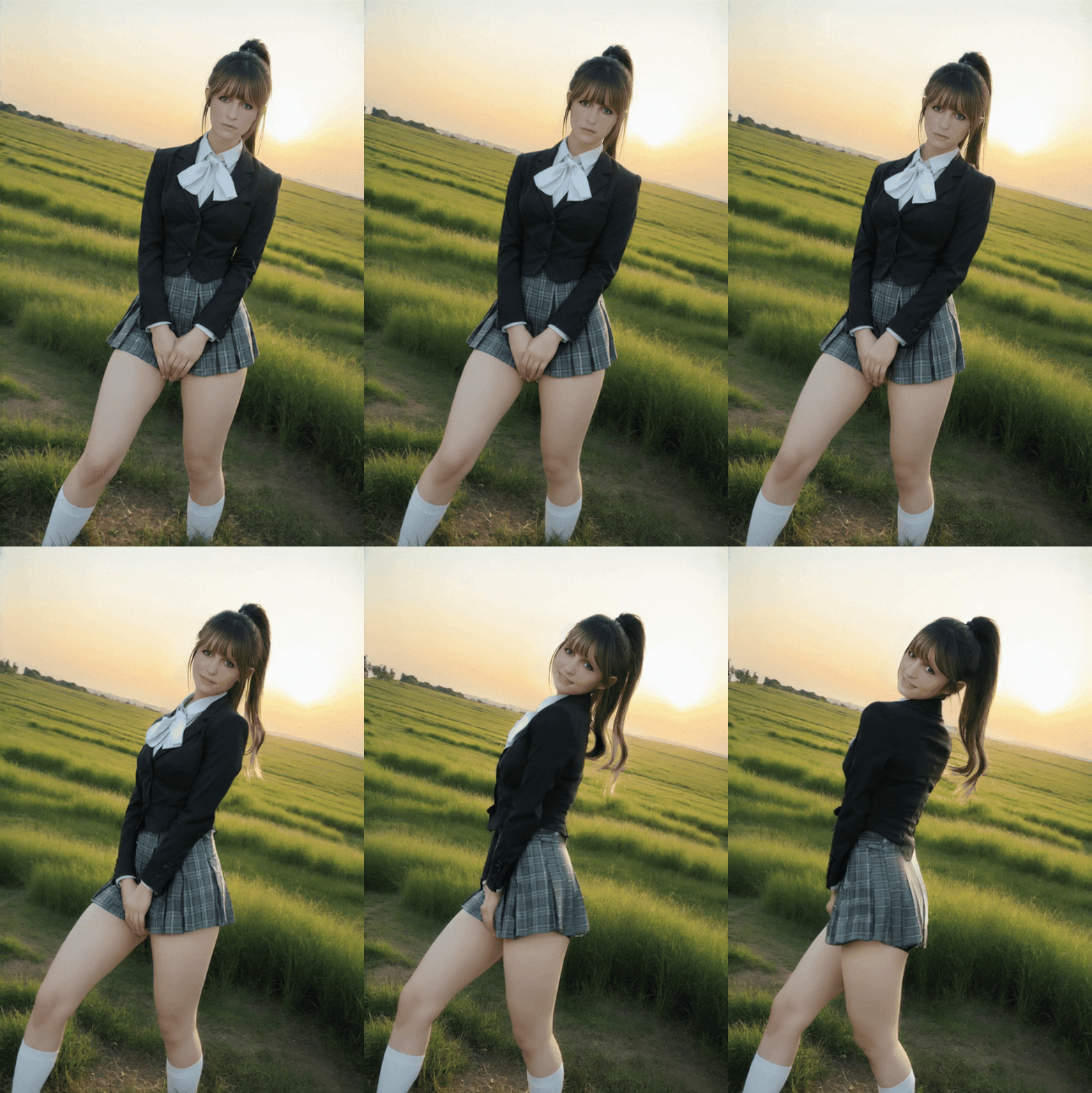
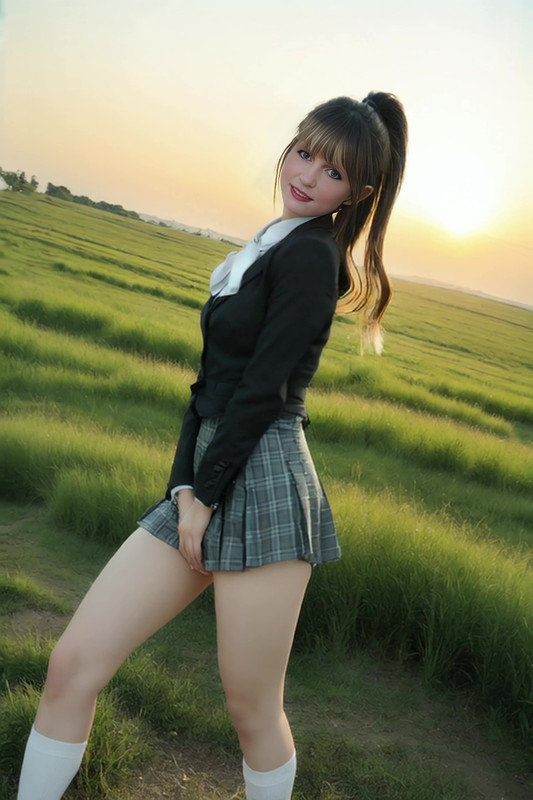
|
Quoted: Only so much you can do with a couple low-res sample pics, followed by a lossy gif conversion, but I think it otherwise is pretty good- https://i.postimg.cc/PqMSzmV8/Reactor-26-APR25-00097.gif The original mp4 much higher quality https://i.postimg.cc/Y9sfb86j/vlcsnap-2025-04-27-22h23m12s833.jpg Is this on Framepack? What do you use to convert to gif? |
|
Quoted: Thank you. ----------------------------------------------- My son removed an adaptor, used a different HDMI cable, and changed the refresh rate on my monitor, and that stopped the flickering. He went through a bunch of other stuff, and has the file extraction starting over to fix any possible glitches. Once that's done, I'll try again to see if it works. Quoted: Quoted: Quoted: @eurotrash Would you take this pic of my late wife, and see if you can make her hair blow in the wind? https://i.postimg.cc/mkqQGdwv/Linda-Pedro_AR15_001.jpg Thank you. ----------------------------------------------- My son removed an adaptor, used a different HDMI cable, and changed the refresh rate on my monitor, and that stopped the flickering. He went through a bunch of other stuff, and has the file extraction starting over to fix any possible glitches. Once that's done, I'll try again to see if it works. Nice, I’m glad he is able to help you in-person. If you get the 2060 Super (8 GB) working, it should be a little faster than my 3060 (6 GB) laptop GPU. |
|
https://www.freeconvert.com/convert/mp4-to-gif You can choose how much to resize the pic, how much compression, and also tweak the frame-rate to your liking. |
|
Quoted: Nice, I'm glad he is able to help you in-person. If you get the 2060 Super (8 GB) working, it should be a little faster than my 3060 (6 GB) laptop GPU. Quoted: Quoted: My son removed an adaptor, used a different HDMI cable, and changed the refresh rate on my monitor, and that stopped the flickering. He went through a bunch of other stuff, and has the file extraction starting over to fix any possible glitches. Once that's done, I'll try again to see if it works. Nice, I'm glad he is able to help you in-person. If you get the 2060 Super (8 GB) working, it should be a little faster than my 3060 (6 GB) laptop GPU. Once it finished, a new tab popped up with Framepack. I tried a pic, and so far, it doesn't do anything at all. |
|
Quoted: No, it just saves the jpg as a png. The thing that got us this far was my son did a clean install without the update.bat. If I run it now, it may fix it but it may break it again where it doesn't even open. You have to wait a while for it to load after clicking run.bat, even on a fast computer. |
|
Quoted: No, it just saves the jpg as a png. The thing that got us this far was my son did a clean install without the update.bat. If I run it now, it may fix it but it may break it again where it doesn't even open. Use Pinokio if you just want to play around without much headache. |
I open run.bat, and after a bit it opens up in Firefox tab. I select a pic, type in some prompts, and click Generate.  It goes for a minute or two, with the boxes on the right highlighted with orange edges, then that goes away and the Generate button is ready again. I go to check the folder, and it has saved the jpg as a png. |


|
Quoted: trying to get it to work, not going well yet. have used seaart.ai lately to create interesting stuff, would really like a local img2vid and vid2vid with a simple graphical interface... this stuff confuses me Two years ago, that simple graphical interface was Automatic1111, that was then succeeded (in a manner of speaking) with Forge, and others. As the technology progressed, they just couldn't keep up. That leaves us with mainly ComfyUI as the current defacto standard for AI local generation. Unfortunately, it has an intimidating interface for new people. But it works, and is continuously updated. .... Local generation of AI video and images can be very tedious and slow for those without a current computer. I'm mainly going to consider that a computer with an Nvidia GPU of RTX 3090 or better. It can be done with less, but slowwww. (There *are* exceptions and caveats) There might be work-arounds for AMD gpus, but I'm not familiar with them. My current workflow uses 23GB of vram, with maximum usage of my available 64gb of "regular" ram. About 31 minutes to generate a 4 or 5 second video. It can be done with lesser equipment, but time to generate and/or quality is going to suffer. ........ Hours of troubleshooting before, during and after installation or re-installation is pretty typical. |
|
Folks, this isn't easy-mode, one click stuff. You're going to invest time and effort to achieve the results you want. Go to Github and read the open-issues and discussions tabs. The questions you are asking, have all been answered there. After you get it up and running, read the documentation and learn how the code works. Garbage in, garbage out... OR, you can do it right. |
|
I started using Comfy earlier this year from A1111. It took a few days to recreate my workflow and learn it all but now I’m very confident with it and experimenting with all the video models. Even got sageattention installed on windows 10. It’s worth taking the time. There’s a framepack wrapper by Kijai that I was using yesterday. |
|
Quoted: Folks, this isn't easy-mode, one click stuff. You're going to invest time and effort to achieve the results you want. Go to Github and read the open-issues and discussions tabs. The questions you are asking, have all been answered there. After you get it up and running, read the documentation and learn how the code works. Garbage in, garbage out... OR, you can do it right. On my 3060 laptop and 3090 desktop, the installer worked as intended. I extracted the files, then clicked update.bat and run.bat and it worked. It’s when you use incompatible or untested hardware that the open issues tab becomes handy. In my case, I needed to add a line to run.bat to get the 5090 working. |
|
I worked on this quite a bit today, but still failed. I tried with the original, plus a copy of the original, with zero improvements, then deleted all of it. Next I downloaded one that's supposed to be made for my series of graphics card. https://github.com/ilolio/FramePack-for-RTX20XX?tab=readme-ov-file Then I downloaded 7-zip and Python again, which did nothing. I downloaded Pinokio, then the Framepack from that site, and none of it works. I don't even have the update.bat or run.bat options anymore. The next step will likely be to delete all of it again, and start looking for something that's more plug-n-play from the suggestions above. |
|
Quoted: I tried that, even trying to get past the heavy accents I don't know enough to follow much of what's said. Are any of the other programs more intuitive? I was able to get the 1-click install to work on both my 3060 laptop and 3090 desktop. The 5090 needed a line added to the run.bat file. My advice, and its not great advice, is to go with a newer card and one with at least 12 GB vram. |
|
Quoted: The 5090 needed a line added to the run.bat file. My advice, and its not great advice, is to go with a newer card and one with at least 12 GB vram. I can't even figure out how to get a run.bat file to show again, so adding to one like you had to is way too far out of my realm of possibilities. Even if I bought a new card, I'm probably looking at not getting any closer to making it work. |
|
Quoted: Is this on Framepack? What do you use to convert to gif? Quoted: Quoted: Only so much you can do with a couple low-res sample pics, followed by a lossy gif conversion, but I think it otherwise is pretty good- https://i.postimg.cc/PqMSzmV8/Reactor-26-APR25-00097.gif The original mp4 much higher quality https://i.postimg.cc/Y9sfb86j/vlcsnap-2025-04-27-22h23m12s833.jpg Is this on Framepack? What do you use to convert to gif? make an acct on giphy |
|
Quoted: Thanks to this thread I installed framepack and made my first 5 second vid. It was all pretty easy but it took a while because I am using an i7-12700h with 64GB RAM and RTX 3060 with 6GB VRAM. I was surprised at the quality of the output. @CapedCrusader Approximately how long was “a while”? I’ve got a similar setup. |
[ARCHIVED THREAD] - FramePack - Generate AI videos from images using your computer's GPU (Now ComfyUI Megathread!) (Page 3 of 17)
Join the Community
Your next conversation starts here.
Create your free account to join discussions, share your experience, save topics, and connect with the AR15.COM community.
- Join discussions
- Follow topics and replies
- Connect with fellow enthusiasts
Already a member? Sign in
Stay informed by subscribing to our Newsletter